Colors
Visual identity
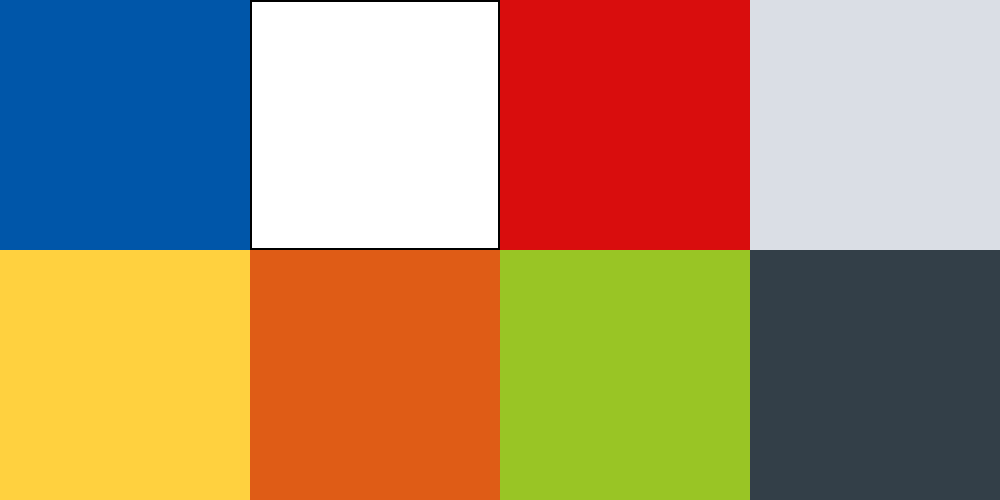
Primary color palette
TxDOT brand colors are one of the best tools to ensure visual alignment with the brand. Use these colors to ensure consistency across digital and print materials.
Blue
HEX: #0056a9
RGB: 0 / 86 / 169
CMYK: 100 / 69 / 0 / 0
Pantone Print: PMSc 2388, PMSu 2196
Pantone Fabric: PMS 19-4053 TCX
Color token: Blue 50

White
HEX: #ffffff
RGB: 255 / 255 / 255
CMYK: 0 / 0 / 0 / 0
Color token: Gray 0
Red
HEX: #d90d0d
RGB: 217 / 13 / 13
CMYK: 9 / 100 / 100 / 2
Pantone: 3546
Color token: Red 50
For digital products that align with the digital design system, see the Color page for detailed color tokens, palettes, and usage guidelines.
Color proportion
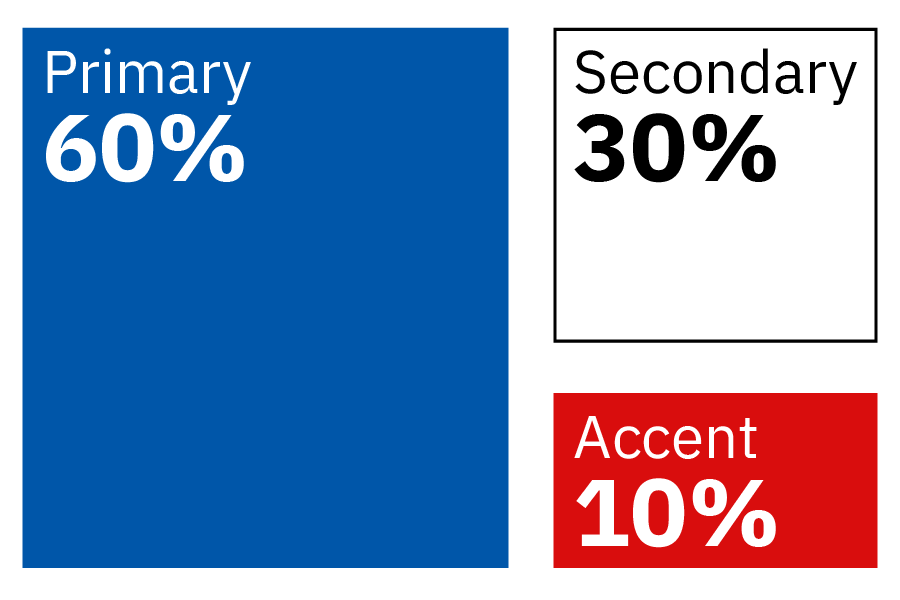
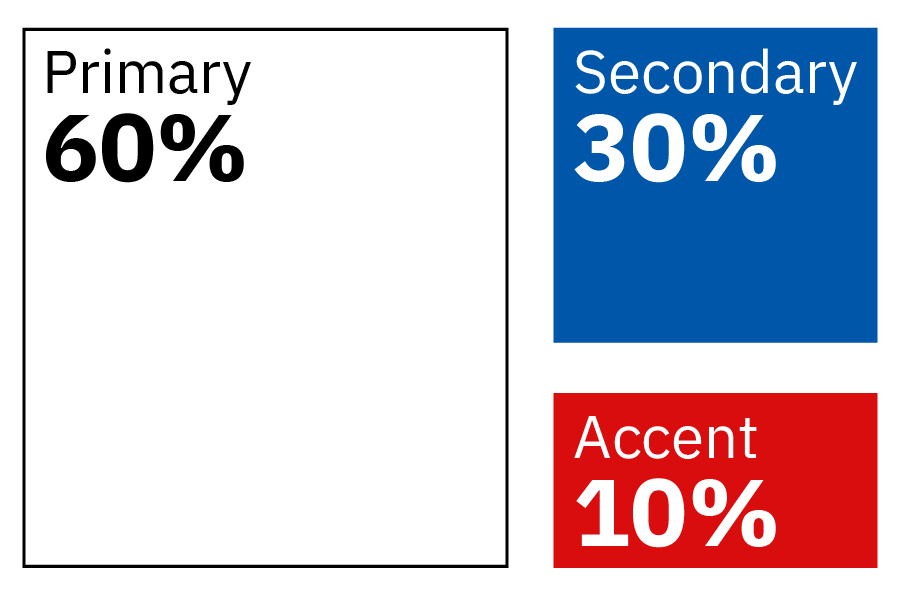
The consistent use of color is important when when creating branded TxDOT materials. Below are two options illustrating the amount of each color a branded item should have, using the colors from the primary color palette. View brand samples to see color proportion in use.
Color proportion option 1
- Primary color 60% blue
- Secondary color 30% white
- Accent color 10% red
Color proportion option 2
- Primary color 60% white
- Secondary color 30% blue
- Accent color 10% red
Secondary color palette
Blue is TxDOT’s primary color and an integral part of our brand. A secondary color palette was developed to support the wide variety of communication and brand needs. The secondary color palette was carefully selected to work with the primary color palette.
Best practices:
- Use secondary colors as accents to the primary palette, not a dominant color.
- Use one secondary color, if needed, in addition to the primary color palette.
- For data visualizations or GIS maps, use color palettes available on the TxDOT's Tableau Community of Practice internal site.
Accessible on black

Light brown
HEX: #c5bbaa
RGB: 197 / 187 / 170
CMYK: 19 / 20 / 23 / 0
Pantone: 7528

Light gray
HEX: #dadee5
RGB: 218 / 222 / 229
CMYK: 13 / 8 / 5 / 0
Pantone: Cool Gray 1 XGC

Light yellow
HEX: #f2ce1b
RGB: 242 / 206 / 27
CMYK: 0 / 10 / 98 / 0
Pantone: PMSc 116, PMSu 115
Color token: Yellow 50

Light orange
HEX: #df5c16
RGB: 223 / 92 / 22
CMYK: 0 / 74 / 100 / 0
Pantone: 021
Color token: Orange 50

Light green
HEX: #8ec02d
RGB: 142 / 192 / 45
CMYK: 49 / 0 / 100 / 0
Pantone: 2286
Accessible on white

Dark green
HEX: #196533
RGB: 25 / 101 / 51
CMYK: 85 / 3 / 91 / 44
Pantone: 349

Dark purple
HEX: #5f0f40
RGB: 95 / 15 / 64
CMYK: 26 / 100 / 0 / 57
Pantone: 2357

Dark blue
HEX: #002e69
RGB: 0 / 46 / 105
CMYK: 100 / 63 / 0 / 67
Pantone: 295
Color token: Blue 80

Dark gray
HEX: #333f48
RGB: 51 / 63 / 72
CMYK: 78 / 57 / 39 / 56
Pantone: 432
Color gradient

When a gradient is needed, use blues from the primary and secondary color palettes (color tokens: Blue 50 and Blue 80).